The main difference
e4mc is a mod for the game of the player who hosts. When you open your singleplayer world to LAN, e4mc gives it an address that players on the internet can join.
LanWarp runs a separate Minecraft server on your PC. The server keeps running when you close the game, and players always join with the same address.
Side by side
| e4mc | LanWarp | |
|---|---|---|
| What it is | A mod for your game | An app that runs a server on your PC |
| What you install | The mod, with Fabric, Forge, NeoForge or Quilt | The app, on Windows 10 or 11 |
| When players can join | While you are in the world and it is open to LAN | While your PC is on and the server is started |
| Address | Can change each time you open the world | The same address every time |
| Where the world runs | Inside your game | In a separate server with its own memory |
| Plugins | No | Yes, on Paper servers, in one click |
| Price | Free | Free plan with up to 10 players. Plus and Pro are paid |
When e4mc is the better choice
- You want a quick session with friends and you are going to play the whole time.
- Your game already has Fabric, Forge, NeoForge or Quilt installed.
- You play on a Mac or on Linux.
When LanWarp is the better choice
- Your friends want to play when you aren’t online.
- You want one address that doesn’t change, to save in the Multiplayer list.
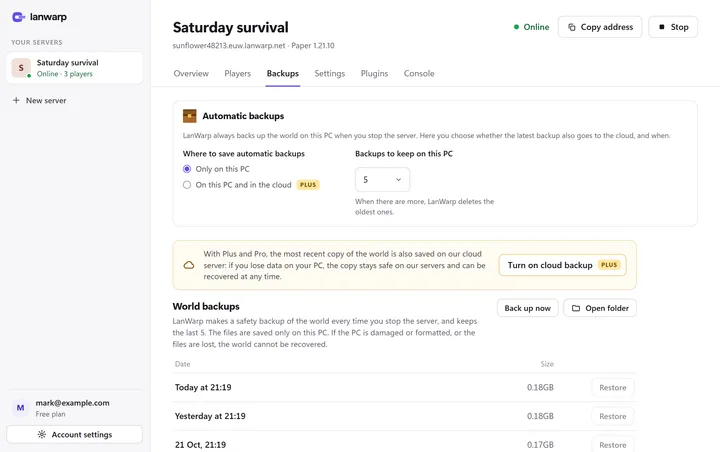
- You want a whitelist, operators, plugins and a backup every time the server stops.
- You want the server to use its own memory, so your game doesn’t slow down.
How to start with LanWarp
Download LanWarp, sign in and create a Paper or Vanilla server. The steps are in host a Minecraft server without port forwarding.